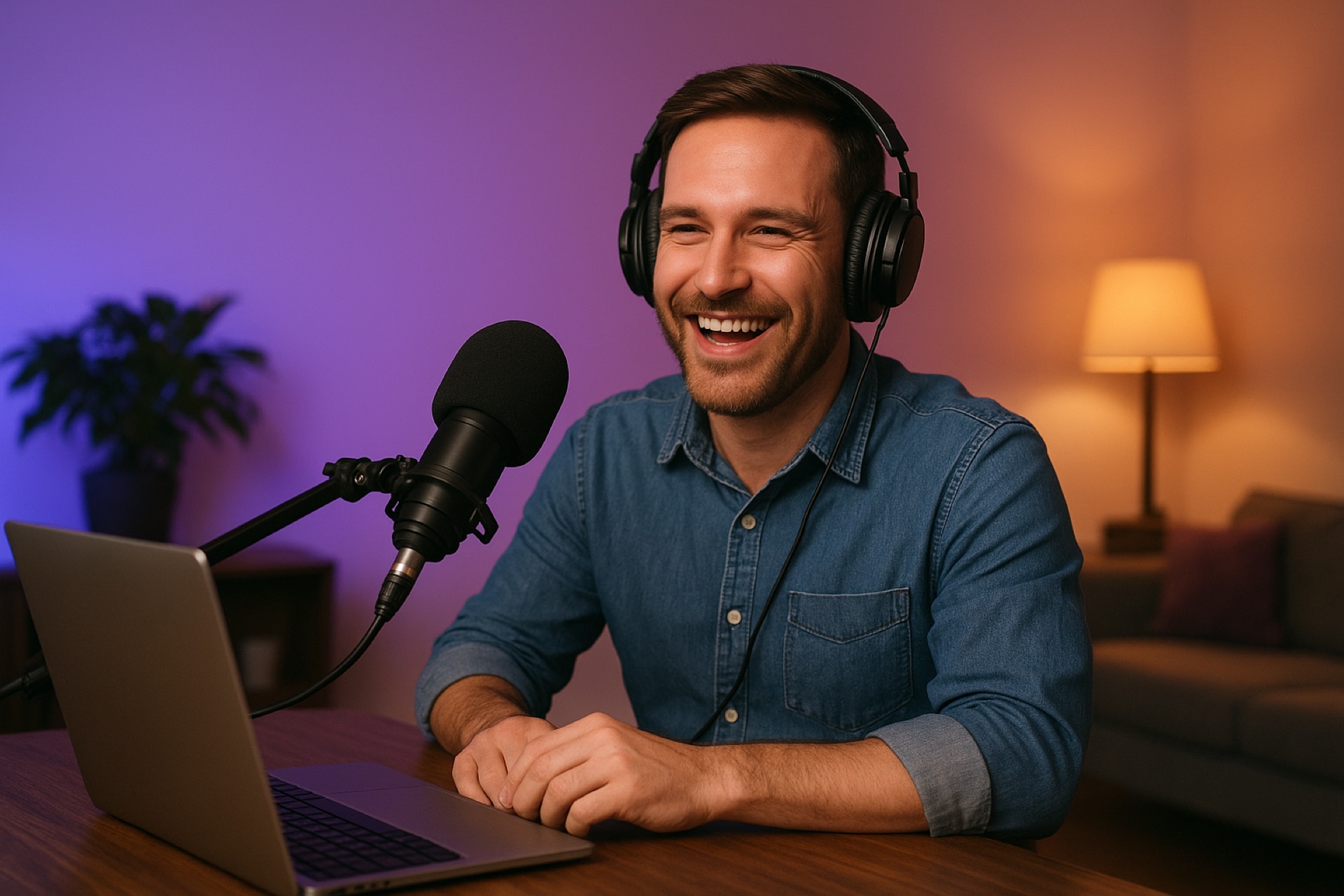


PodVault gives every listener a personal link. They click. The audio plays. That’s it.
Tap the link, the audio plays. No portal, no password, no app to install.
Listen in the browser, or in Apple Podcasts, Overcast, Pocket Casts via the RSS link.
Get an email when there’s a new episode.
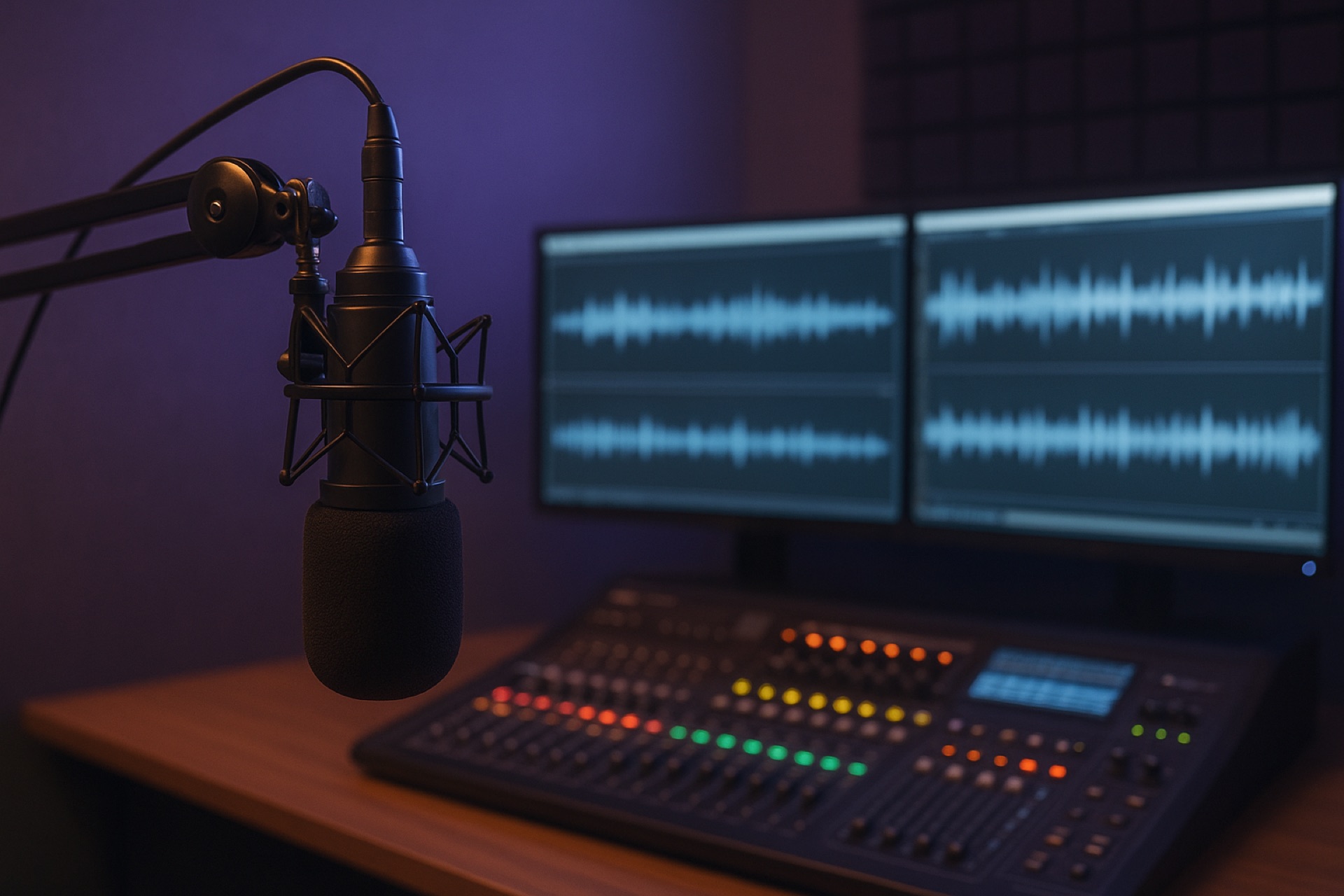
One seminar, one course, one audio product — each becomes a private feed your buyers can play in the browser or in normal podcast apps.
Upload your audio, set the price, mark the feed private. Fifteen minutes.
Each successful purchase gets a personal listening link.
They click the link and it plays in the web player immediately. Podcast app option for those who want it.
Each purchase is a person. If someone loses their link, you resend it with one click.
What PodVault doesn’t do is the point.
Upload, price, share. That’s the seller flow. The dashboard exists; you just don’t have to camp out in it.
Click the link, listen. Web player works on every phone. (OK fine — you can also listen in apps if you like. Apple Podcasts, Overcast, Pocket Casts, etc.)
That’s other platforms. PodVault delivers audio. That’s it.
No comments, no forums, no noise to manage.

People listen while driving, walking, cleaning, and commuting. Member portals don’t fit that. PodVault does.

Help students listen on the go instead of logging back into a portal. Each course becomes a private feed they can finish on their commute.

Turn private audio and call replays into something clients actually press play on — not another file in a folder.
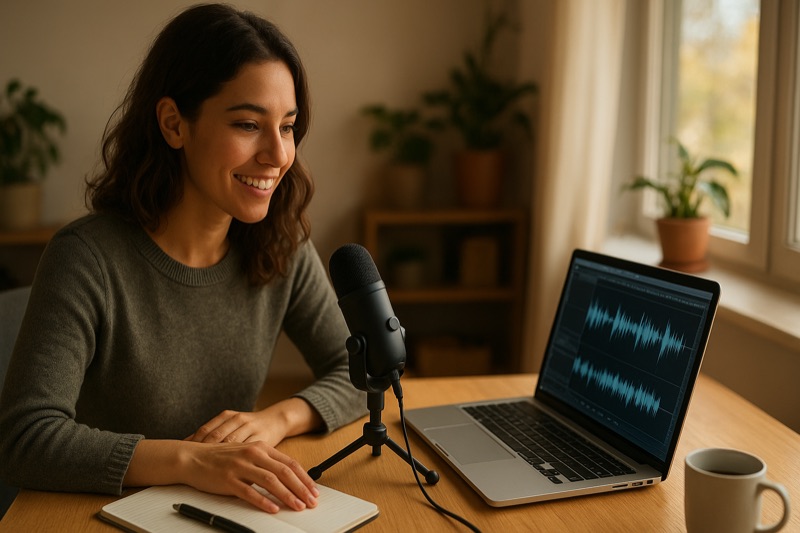
Give paying members premium audio in their normal podcast app or browser — not behind a portal login they barely remember.
Turn session recordings into a private feed attendees can keep up with. A QR on the slide, a scan, and they’re in.
Deliver companion teaching audio like a show, not a file handoff. Print a QR in the book; readers scan it and they’re listening.

Share paid or private teaching the way people actually listen. Public sermons and private member content can live in one place.
Listener counts, plays over time, top episodes.
Glance, then close the tab.
| Podcast | Episode | Downloads |
|---|---|---|
| Daily Insights | 2025 Industry Trends | 267 |
| Team Updates | New Employee Onboarding | 187 |
| Tech Talk | Future of AI | 156 |
| AI Generated | Q1 Market Analysis | 148 |
A podcaster might run a free public show AND deliver bonus episodes to paying members, both in one account.
Upload, price, share. Your first feed takes about 15 minutes.